


Convert Logo to Embroidery for Babylock for Commercial and Home Use
Introduction
There's something special about seeing your own design come to life in thread. Whether you're running a business from your home or managing a commercial embroidery shop, that moment when the needles stop and you pull out a perfectly stitched logo never gets old. But getting to that moment? That takes some work. Your Babylock machine is incredible at stitching, but it needs help understanding what you want it to create. When you Convert Logo To Embroidery For Babylock, you're translating your vision into a language your machine actually speaks. The process looks a little different depending on whether you're stitching for fun at home or running production for clients. Let's break down what you need to know for both worlds.
First, What Does Your Babylock Actually Need?
Before we talk about conversion, let's get clear on what you're working with. Most Babylock home embroidery machines use the PES format. That's their native language. If you have a Babylock, chances are you need PES files.
Some of the older Artista models use ART format. The high-end Solaris machines can handle EXP. And if you're running commercial Babylock equipment, you might be using different formats altogether.
The point is: know your machine. Check the manual if you're not sure. Write down what formats it accepts. That little bit of homework saves endless frustration later.
The Home User Experience
If you're stitching at home, you're probably doing it for yourself, for gifts, or maybe as a small side business. The scale is different, but the need for quality is just as important.
Your Options at Home:
Option 1: Buy pre-digitized designs. This is the easiest path. Thousands of sites sell PES files ready to load and stitch. You don't convert anything—you just download and go. Perfect for when you want to stitch without the technical work.
Option 2: Use auto-digitizing software. Programs like Embrilliance or Hatch have auto-digitize features that attempt to convert your images automatically. For simple designs with bold shapes and few colors, this can work okay. For anything with small text or fine details, be prepared for disappointing results.
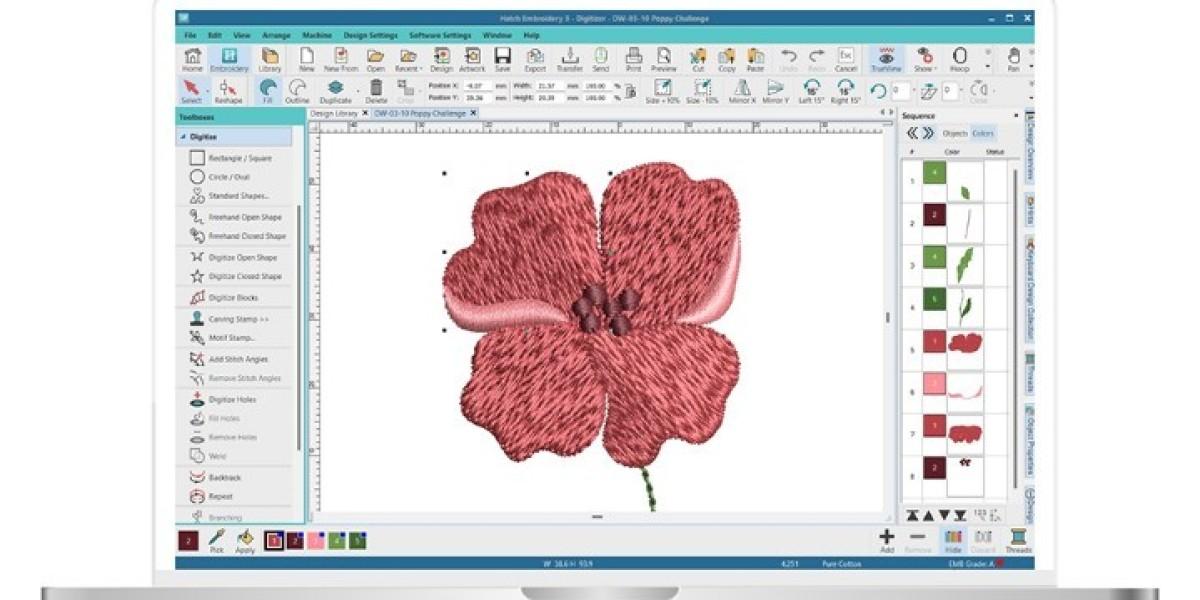
Option 3: Learn to digitize properly. This takes time and practice. You'll need software like Hatch, Embrilliance Essentials, or Babylock's own Palette. You'll need to study stitch types, densities, underlay, and pull compensation. It's a skill, not a quick fix.
Option 4: Use a professional service. Yes, even home users can outsource. Companies like Absolute Digitizing and Digitizing Buddy will take your logo and send back a perfect PES file. It costs a little money, but it saves a lot of frustration. For special projects or gifts, this is often worth every penny.
The Commercial Reality
When you're running a business, everything changes. You're not stitching one hat for a friend. You're stitching fifty polos for a corporate client who expects perfection. The stakes are higher, and the margin for error is tiny.
What Commercial Shops Need:
Consistency. Every file needs to work, every time. You can't afford to test and tweak endlessly. The file should run smoothly from the first stitch.
Speed. Production deadlines don't wait. You need files fast, and you need them right the first time.
Fabric-specific engineering. A file for a structured cap is different from a file for a stretchy polo. Your digitizer needs to understand these differences and build files accordingly.
Volume handling. When you need twenty files at once, you need a provider who can handle that without dropping the ball.
Reliability. You need someone who answers the phone when something goes wrong. Someone who fixes problems fast. Someone who's been doing this long enough to know what works.
This is why most commercial shops don't do their own digitizing. They partner with professional services. Companies like Cool Embroidery Design and Absolute Digitizer have teams of experienced digitizers who handle this work every day. They know the formats, they know the fabrics, and they know how to make files that run.
The File Format Question for Commercial Work
Commercial Babylock operations sometimes use different setups. Some run PES files just like home users. Others might use DST if they're integrated with other industrial equipment.
The key is communication. Tell your digitizer exactly what you need. If you're not sure, ask them for advice. They deal with format questions every day and can guide you.
Most professional services will deliver in whatever format you need. They're used to sending PES for Babylock, DST for Tajima, JEF for Janome, and so on. Just tell them what your machine reads.
What a Good Conversion Includes
Whether you're stitching at home or running production, a properly converted logo has certain things in common.
Clean edges. Satin stitches on borders and text should be smooth, not jaggy.
Proper density. Not so dense that it feels like cardboard, not so light that fabric shows through.
Good underlay. This foundation stitching prevents puckering and keeps everything stable.
Correct pull compensation. Shapes should stay shaped. Circles should stay round.
Logical stitch order. The machine should sew efficiently, with minimal jumps and trims.
Clear color changes. The machine knows when to stop and wait for a new thread.
If your files don't have these things, you're going to have problems. Thread breaks. Puckering. Misaligned colors. Designs that look amateur instead of professional.
The Testing Habit
Here's something every embroiderer needs to do, whether you're stitching one gift or a thousand shirts: test before you commit.
Load that new file on scrap fabric that matches your final project. Same stabilizer. Same settings. Run it and look carefully.
Does it pucker? Are the details clear? Does it run without thread breaks? Is the size right?
If anything's off, fix it now. One test stitch costs pennies. A batch of ruined garments costs real money and real reputation.
Professional digitizing services expect this. They include free revisions because they know that sometimes the file needs tweaking for your specific setup. That's not failure—that's collaboration.
When to DIY and When to Outsource
Here's a question I get all the time: should I learn to digitize myself or just pay someone?
The answer depends on you.
If you love learning new skills, if you enjoy the technical challenge, if you have time to practice and patience to improve—go for it. Digitizing is a rewarding skill. Being able to create your own files gives you total control.
But if you're busy. If you have clients waiting. If you'd rather spend your time stitching than learning software. If a few dollars per file is worth saving yourself hours of frustration—outsource.
There's no right answer. There's only what works for you.
Many successful embroiderers do both. They outsource complex client work while learning digitizing on the side for their own projects. Over time, they build their skills and do more themselves. But they always keep their trusted outsourcing partners for when they're busy or when a design is beyond their current ability.
Building Your Toolkit
Whether you DIY or outsource, you need some basic tools.
For home users: A good viewer program lets you preview files before stitching. Many are free. Embrilliance Essentials is worth the money if you want to do basic editing and combining.
For commercial users: Invest in software that lets you check and tweak files. You don't need to digitize from scratch, but you need to be able to resize, combine, and make minor adjustments.
For everyone: Good communication with your digitizer. Clear instructions. Test fabric. Patience.
Conclusion
When you Convert Logo To Embroidery For Babylock, you're doing the essential work that turns ideas into stitches. Whether you're stitching for joy at home or running production for clients, the principles are the same: start with quality, understand your formats, test before you commit, and don't be afraid to get help when you need it.
Home users have more flexibility to experiment and learn. Commercial users need consistency and speed. But both need files that work.
Your Babylock machine is a remarkable tool. It can take thread and fabric and turn them into art. But it needs your help. It needs instructions it can understand. It needs properly converted files that respect its capabilities.
Take the time to get that right. Learn what you want to learn. Outsource what you don't. Test everything. And enjoy watching your machine bring your logos to life, one perfect stitch at a time.
